
Features
Four jobs, one app, records that hold up.
Attendance & rota
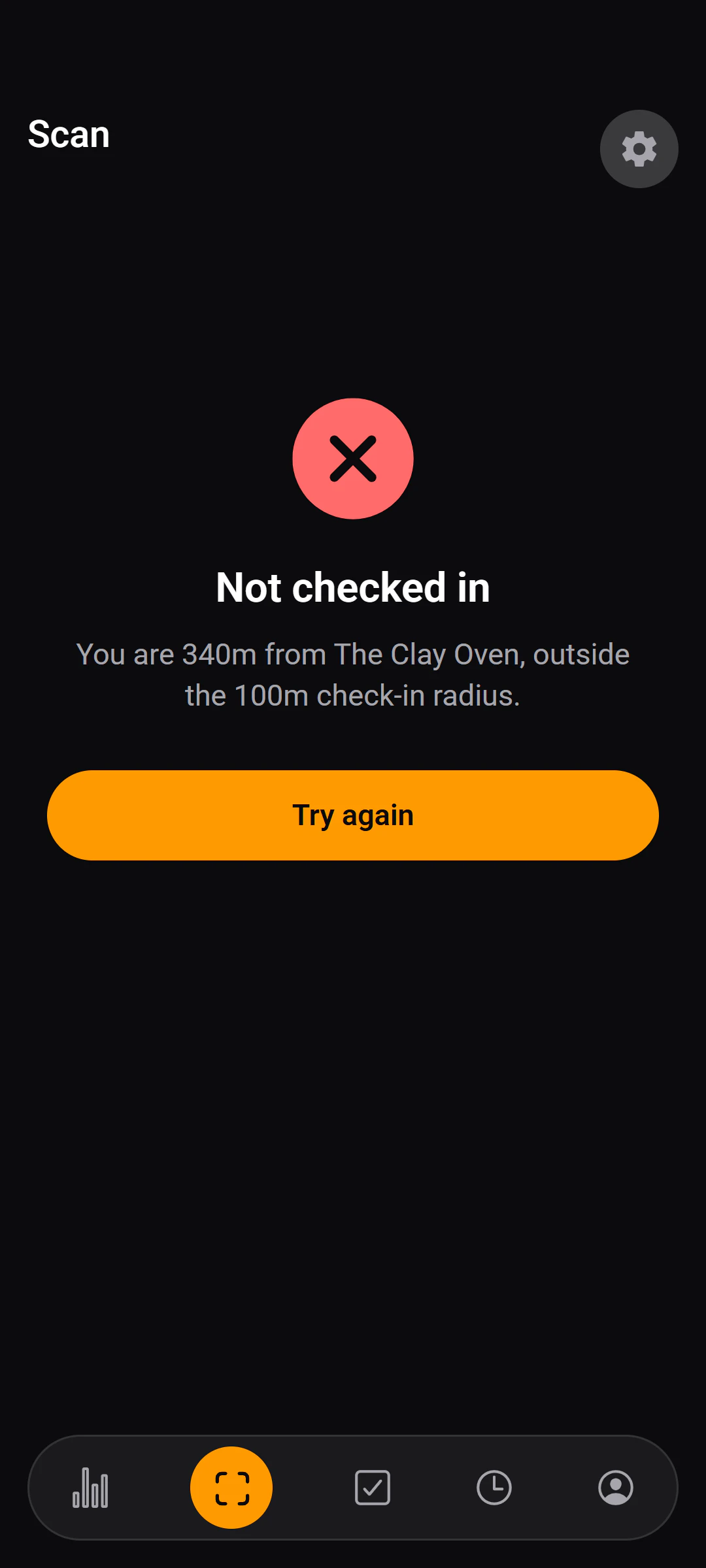
Know who was actually here
- Refuses a check-in outside the radius you set, and says by how far.
- Check-ins are matched to the shift on the rota where one exists.
- A manager's correction stays marked as a manual override — nothing is silently rewritten.
Compliance records
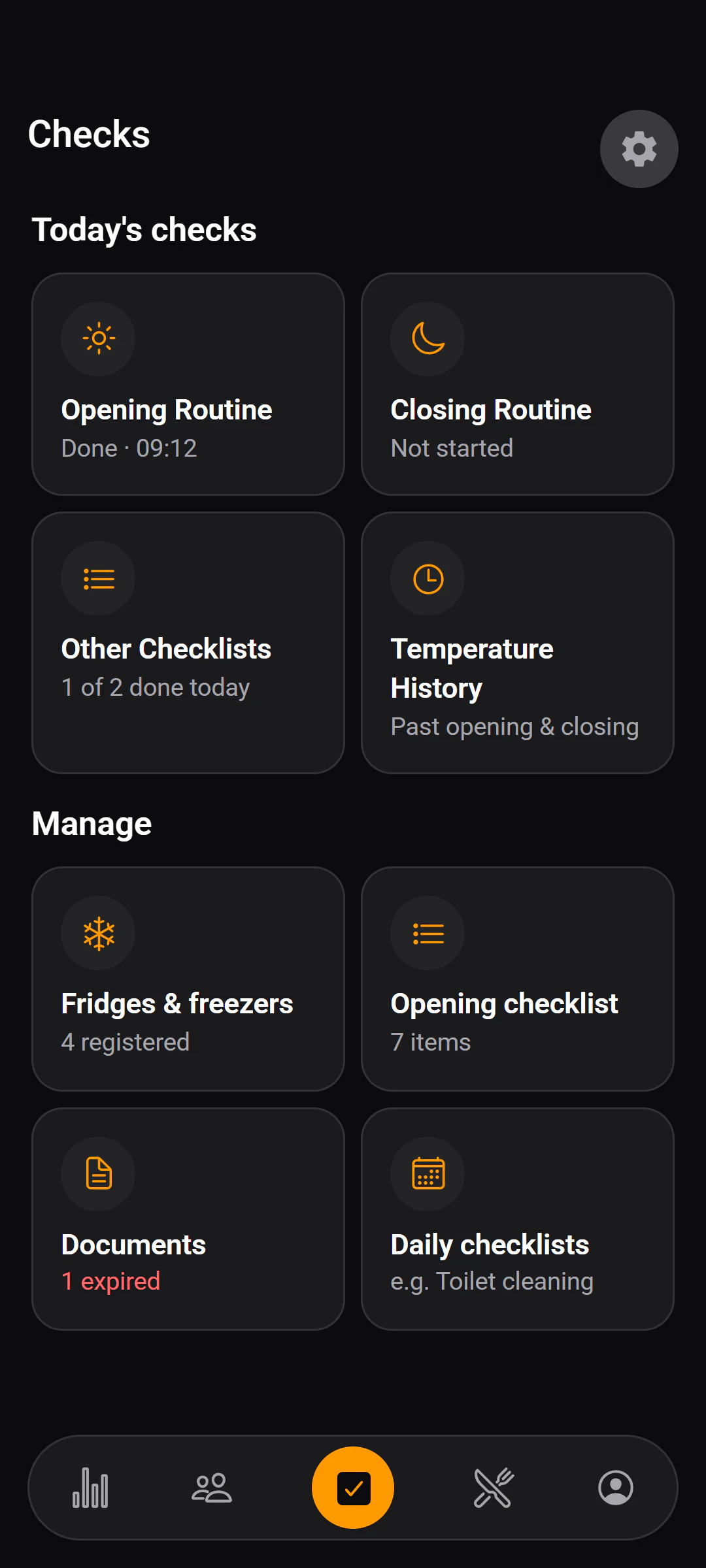
Prove the checks were done
- Every completion is stamped with who did it and when.
- A temperature above a unit's recommended maximum is obvious as it is typed.
- Licences and certificates are filed by category, with expiry dates flagged — managers only.
Invoices & stock
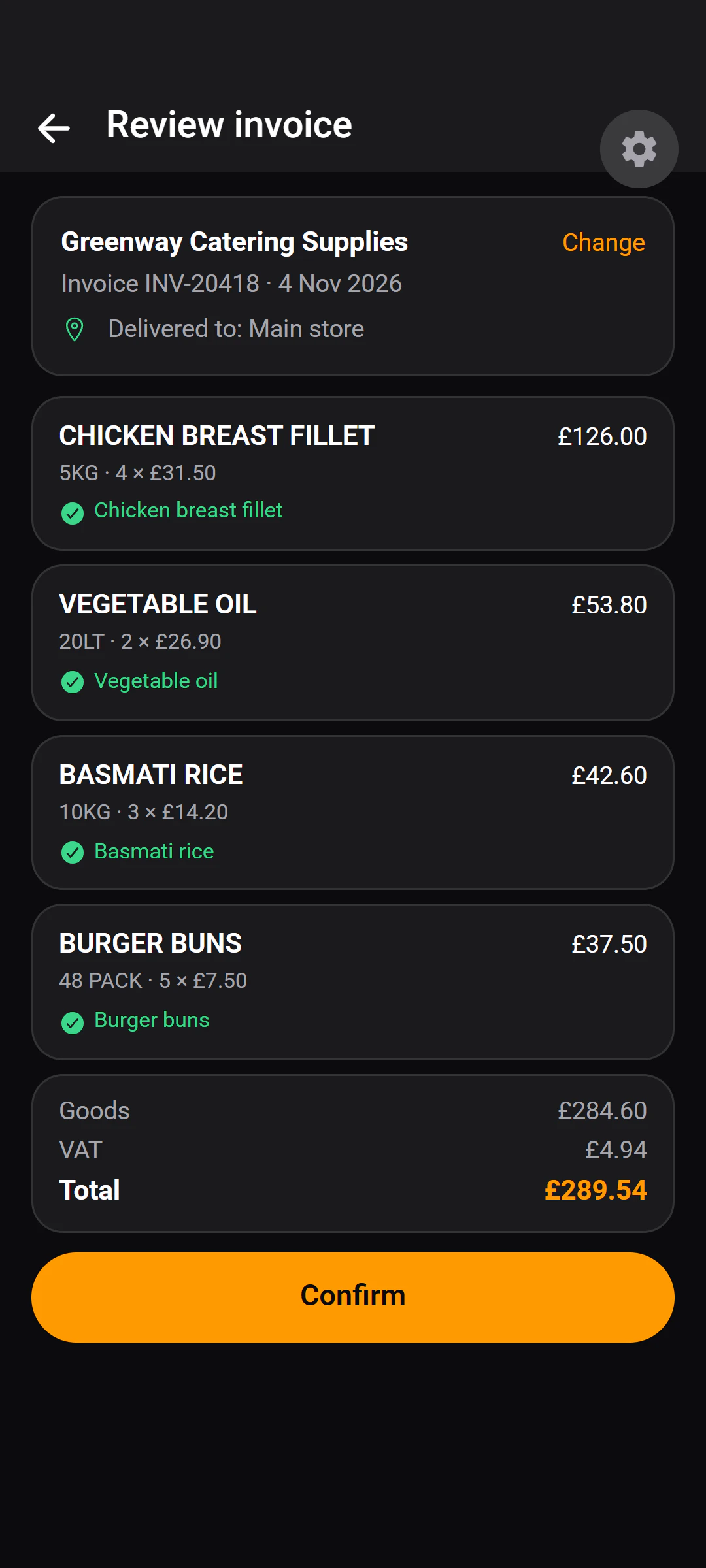
Stop typing delivery notes
- Each line is matched to a stock item you already buy, and nothing reaches stock until someone confirms.
- A credit note is applied as a return, not a delivery.
- Spend adds up per product across every supplier, with VAT kept separate.
Pay
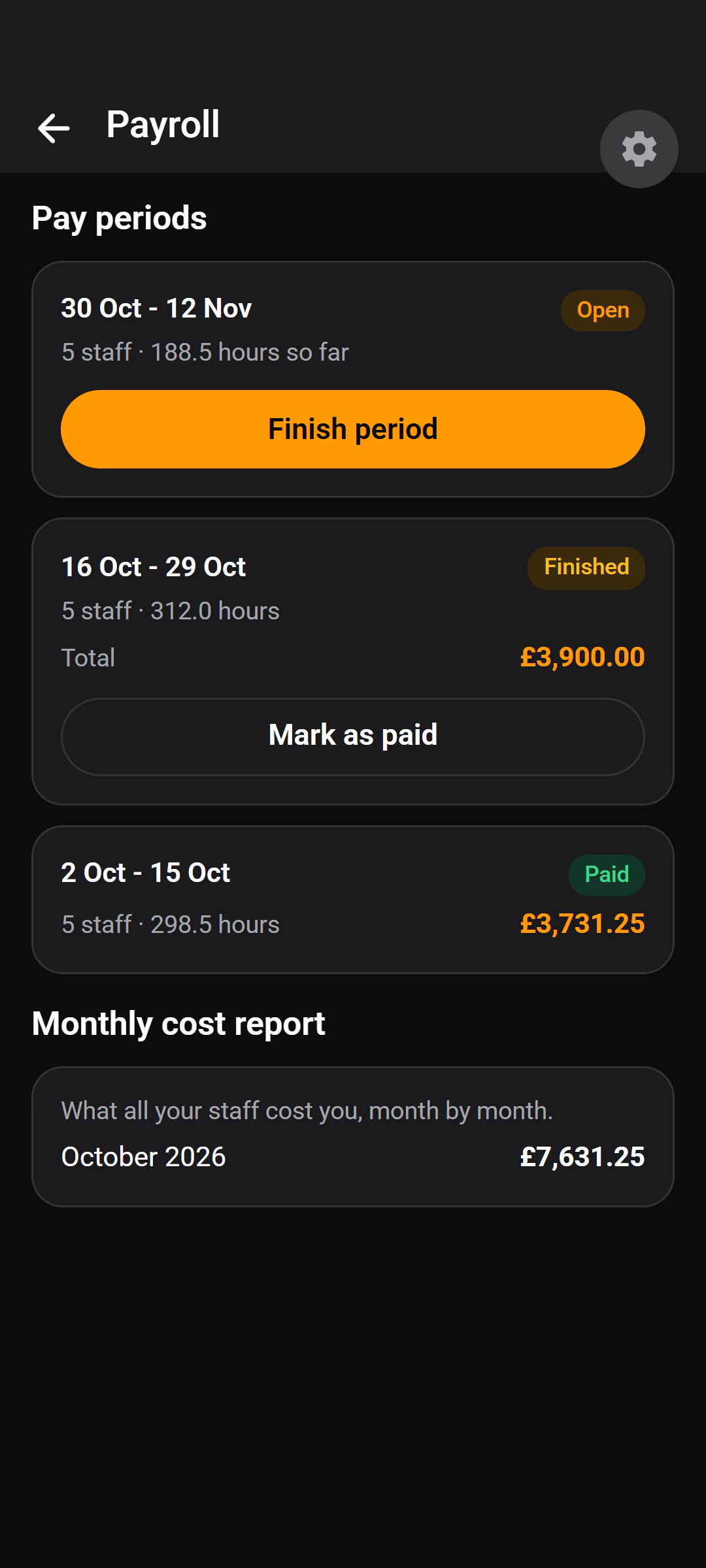
Pay what the hours say
- Open a period, review the hours, close it, then mark it paid once the money has moved.
- Staff see a running estimate of their own pay, and the final figure once the period closes.
- A closed pay period stays correct when a rate changes.
Also included
Everything else.
The smaller things that make the four big ones work day to day.
Shift swaps, with approval
Staff offer a shift to a named colleague. It only changes hands when the manager approves.
Who's on shift, live
Everyone currently checked in, and how long they have been on.
Per-product spend
What you have spent on each product, across suppliers, by week or month.
Suppliers and storage areas
Storage areas are picked up from what a delivery note says. Rename or retire either.
Stock levels
Quantities on hand, a par level per item, and every movement with a reason and a name.
Push notifications
When a shift is added, changed or cancelled, and when a swap is requested or decided.
Invite-code onboarding
Staff join your restaurant with one eight-character code. No accounts to create by hand.
Document vault
Licences and certificates by category, with expiring and expired documents flagged.
Team analytics
Staff cost by month, hours and minutes late per person. Staff see their own.
What it isn't
Better you hear it from us now than find out in week two.
- Not a till or ordering system.It isn't a till or ordering system. There are no menus, customer orders or card payments — it runs the back of house, not the front.
- Built for one restaurant, not a chain.It's built for one restaurant. An account belongs to a single restaurant, and there is no multi-site or head-office view.
- Needs a connection today.It needs a connection. Checking in, recording a check and reading an invoice all need the internet; there is no offline mode today.
Want to try it in your kitchen?
Tell us about your place. A person reads every request and replies by email.